Before you buy an AI agent or a business platform, three questions decide how much of it you will actually own. Where does it run? Where does your data sit? And whose AI account does it use?
Most vendors answer all three for you. AI Hub lets you answer each one yourself. This post walks through the three choices, what each one changes in practice, and five questions to put to any vendor before you sign, including us.
What "own your stack" means
"Own your stack" is the plain-words version of a simple idea. You keep four things:
- Your servers. The application runs where you decide: on your own infrastructure or in a cloud account you control.
- Your database. The records the system creates belong to you and sit in a database you can reach.
- Your AI account. The AI features run on a model account that is yours, not one bundled and hidden inside the vendor's.
- Your freedom to leave. If you change your mind, you take your data and walk away at no cost.
None of this is exotic. It is the set of rights you already expect from software you buy once and install. It matters more with AI because an AI system touches more of your business than most software does: your documents, your calls, your customers' details. The more it sees, the more it matters who controls where it runs.
Choice one: where the application runs
AI Hub's products deploy in one of two ways.
| Topic | Cloud | On-premise |
|---|---|---|
| Where the application runs | On a Saudi cloud provider in KSA, or in your own cloud account | On your own servers, in your data centre |
| Where the data sits | In KSA on a Saudi cloud provider, or in your cloud account | On your servers |
| Who runs it | AI Hub, or your team | Your team, or AI Hub's managed service |
| A good fit when | You want to start quickly and would rather not run infrastructure | Your policy says everything stays inside your own network |
Cloud has two flavours. On a Saudi cloud provider in KSA, we host, monitor and update the system, and your team works on the business. In your own cloud account, you hold the account, choose the region and set the access rules, and either your team or AI Hub runs it for you.
On-premise means the whole system runs on hardware you own, behind your own firewall. It asks more of your IT team, or you can ask AI Hub to run it for you as a managed service. In return, nothing leaves your network unless you decide it should.
Neither option is better in general. The right one is the one that matches your policy, your IT capacity and the sensitivity of what the system will see. Pick on those three, not on what the vendor finds easiest to sell.
Choice two: where your data sits
"Your data stays in KSA" is a strong promise, so it needs a precise scope. For AI Hub it holds in two places: on a Saudi cloud provider in KSA, and on on-premise servers in KSA. If you run in your own cloud account, your data sits wherever you set that account up. So pick a KSA region if residency matters to you, and do not assume it.
The more useful habit is to ask the question for every store, not once for the whole system. A single product can hold data in several places:
- the main database and the documents it holds
- backups and logs
- search indexes and knowledge bases built from your files
- recordings and transcripts, if the product handles calls
- the requests sent to an AI model, and what comes back
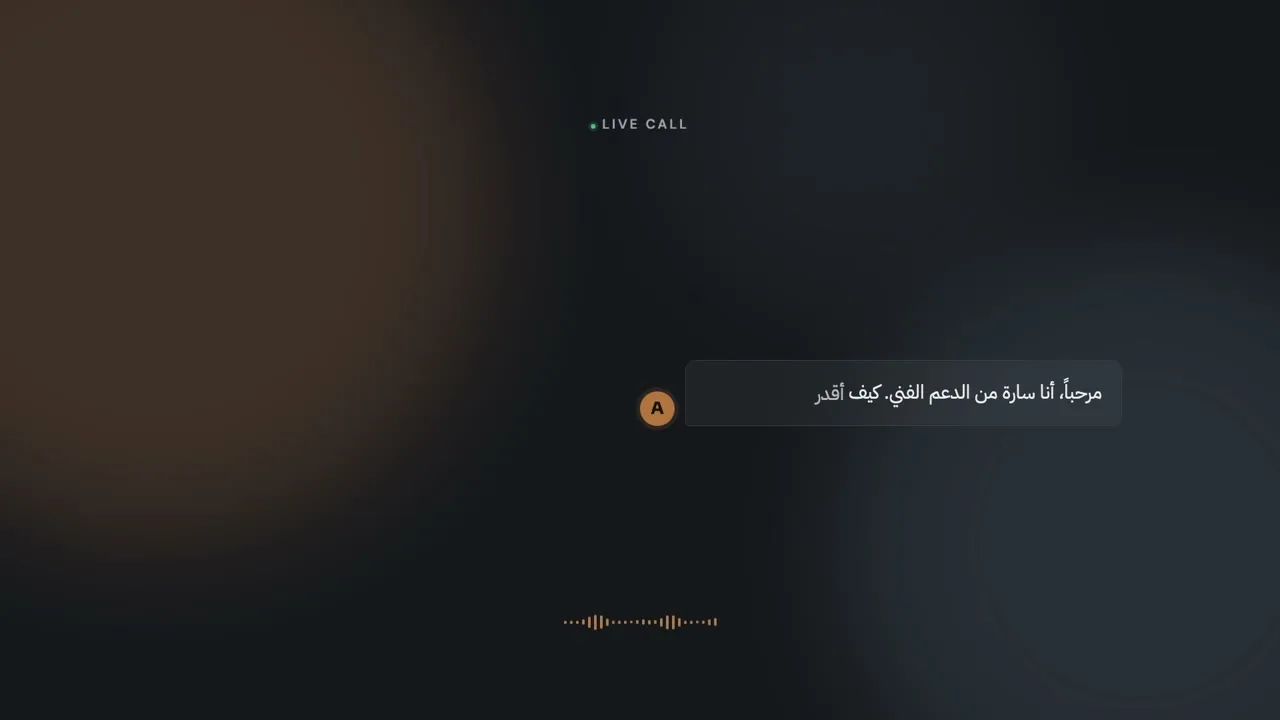
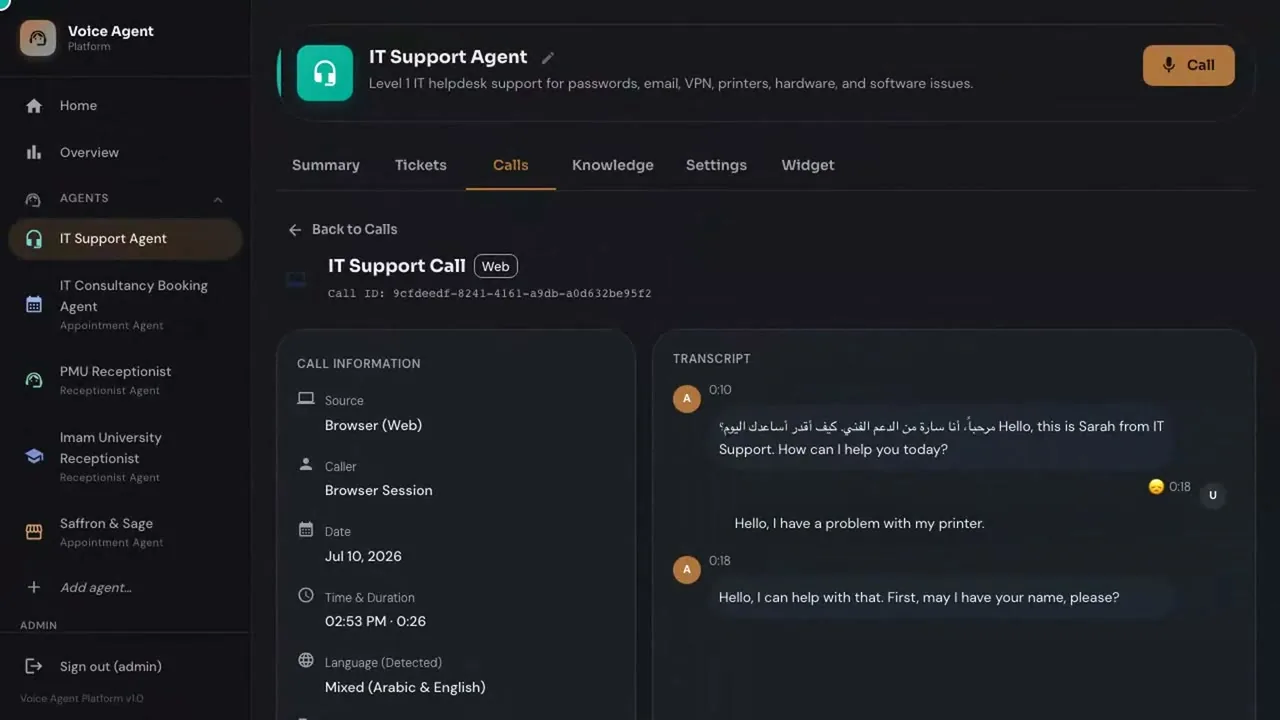
Each one has its own answer. Voice is a good example. For the AI Voice Agent, recordings and transcripts are stored where you choose: in KSA on a Saudi cloud provider or in your cloud account under the Cloud option, or on your servers under On-premise. Voice processing is a separate question. By default it uses a third-party speech service, and it can run in KSA or on your servers on request. Two stores, two answers, and a buyer who asks only one question hears only half the story.
Choice three: whose AI key
An AI feature is a call to a language model. Someone holds the account behind that call, and that someone sees the usage, controls the settings and chooses which model runs.
There are two ways to set this up. In the first, the vendor bundles a model into the product and holds the account. You cannot see what is sent, you cannot change the model, and the day the vendor changes the arrangement, you live with it. In the second, you bring your own model or key. You hold the account, you can see the usage, and you can swap the model when something better arrives.
AI Hub works the second way. You bring your own AI model or key, and you can change it later. There is no lock-in and no cost to walking away. Because the key is yours, you pay your model provider directly for what you use, and your usage appears on your own account.
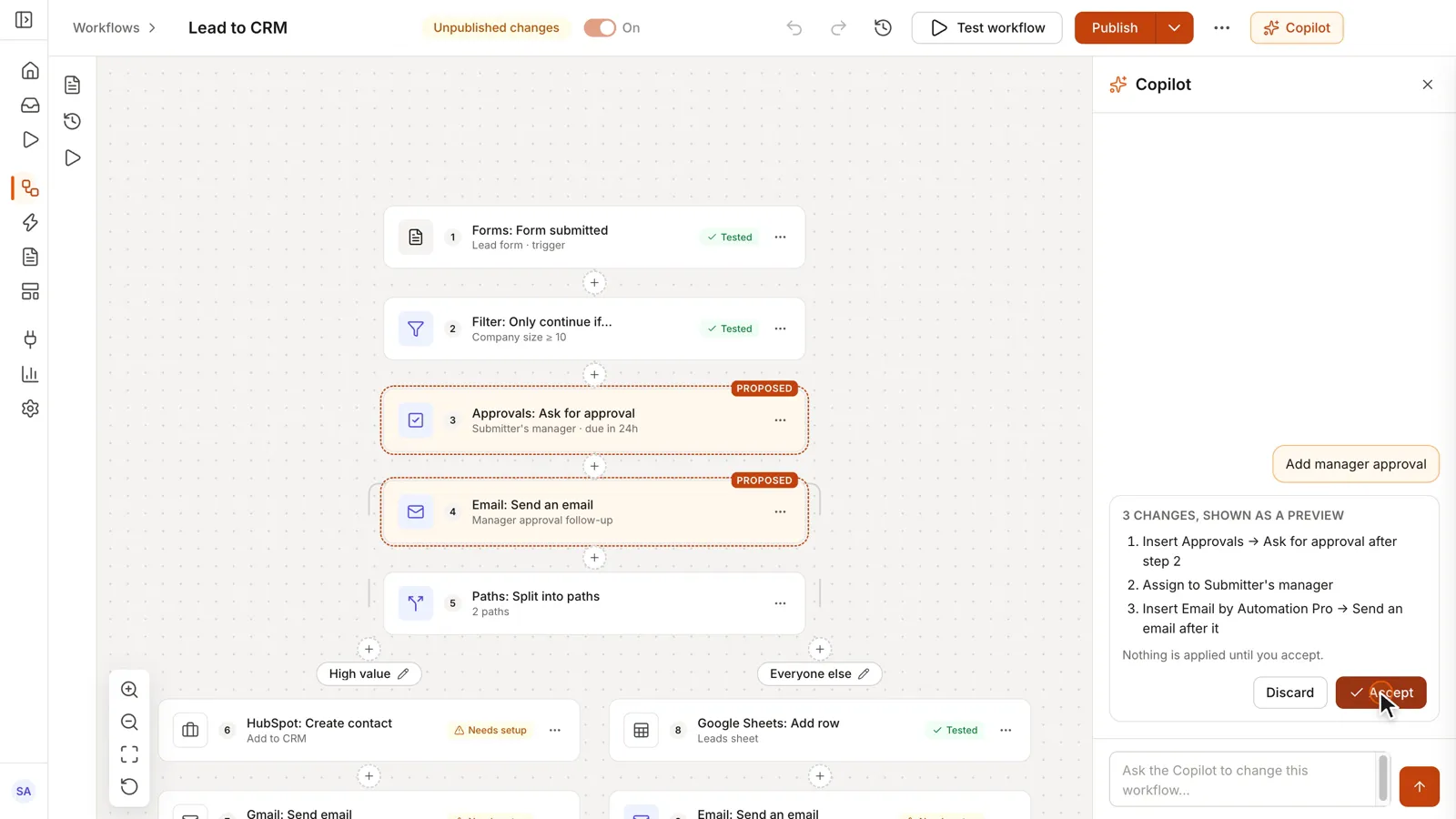
Two clarifications keep this honest. First, bringing your own key does not by itself decide where the model runs. That depends on the provider and the region you choose, so ask about it as a separate question. Second, AI should be a choice, not a dependency. Automation Pro is fully usable with no AI switched on, and its AI Copilot, which builds and explains workflows from a plain-language description, runs on your own AI key. You turn it on when you want it.
Five questions to ask any vendor
Put these to every AI vendor, in writing, before you sign. A good answer is specific. A vague one is an answer too.
- Where does the application run, and can we choose? A good answer names the options and who runs each one.
- Where is every copy of our data? Database, documents, backups, logs, recordings. A good answer goes store by store and names the location of each.
- Whose AI account does it use, and can we change the model later? A good answer says you hold the key and shows how to swap it.
- What still works with the AI switched off? A good answer lists the features that run without it. If the answer is "nothing", the AI is a dependency, not a feature.
- What does leaving cost, and what do we take with us? A good answer says what you can export and that walking away costs nothing.
How AI Hub answers them
Cloud or on-premise, your choice. Data in KSA on a Saudi cloud provider and on on-premise servers in KSA. Your own AI model or key, changeable at any time. Platforms designed to run without AI switched on. No lock-in, and no cost to walking away.
It sits on top of how we price, too: every AI Hub product is a one-time cost, with no monthly subscription and unlimited users. No licence renewal is waiting to make leaving harder.
Owning your stack is not a feature. It is a short list of rights. Ask for all five answers before you sign anything, from us or from anyone else.