
1Portfolios
Roll every project up to the portfolio.
- Budget against actual, from task to boardroom
- Red, amber and green health per project
- Set the currency: SAR, USD or another
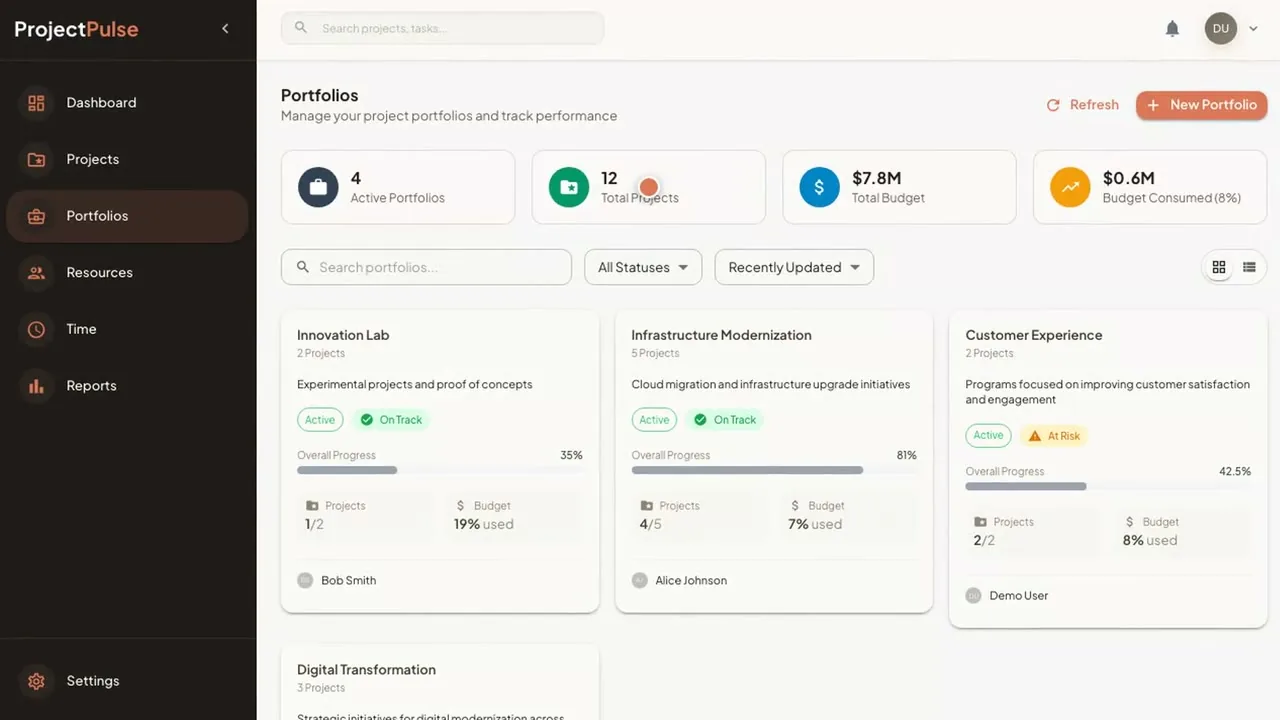
Frame from the demo. Demo data.
Project & Portfolio Management by AI Hub
Projects, portfolios, resources, time and reporting on one governed system. Budget against actual and red, amber and green health roll up across every project.
One-time costNo monthly subscriptionUnlimited users
What it replaces
With Project & Portfolio Management
Budget, time and resources roll up from the task to the portfolio, so the report is a screen you open, not a document someone builds.
Illustrative scenario. A 40-manager PMO that stops compiling status by hand gets back some 200 manager-days a year, about five days per manager.
1Portfolios
Frame from the demo. Demo data.
2Projects
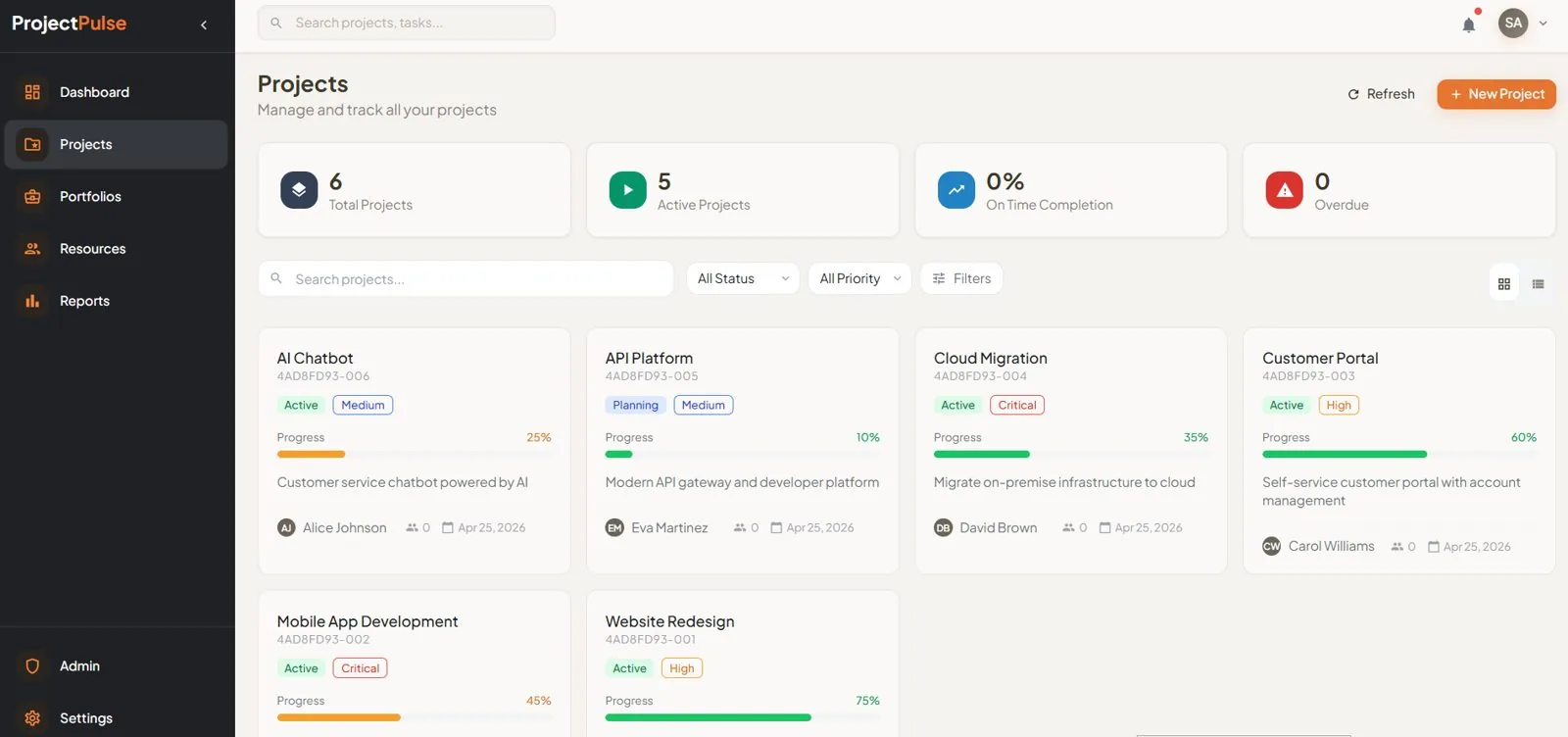
Frame from the demo. Demo data.
3Tasks
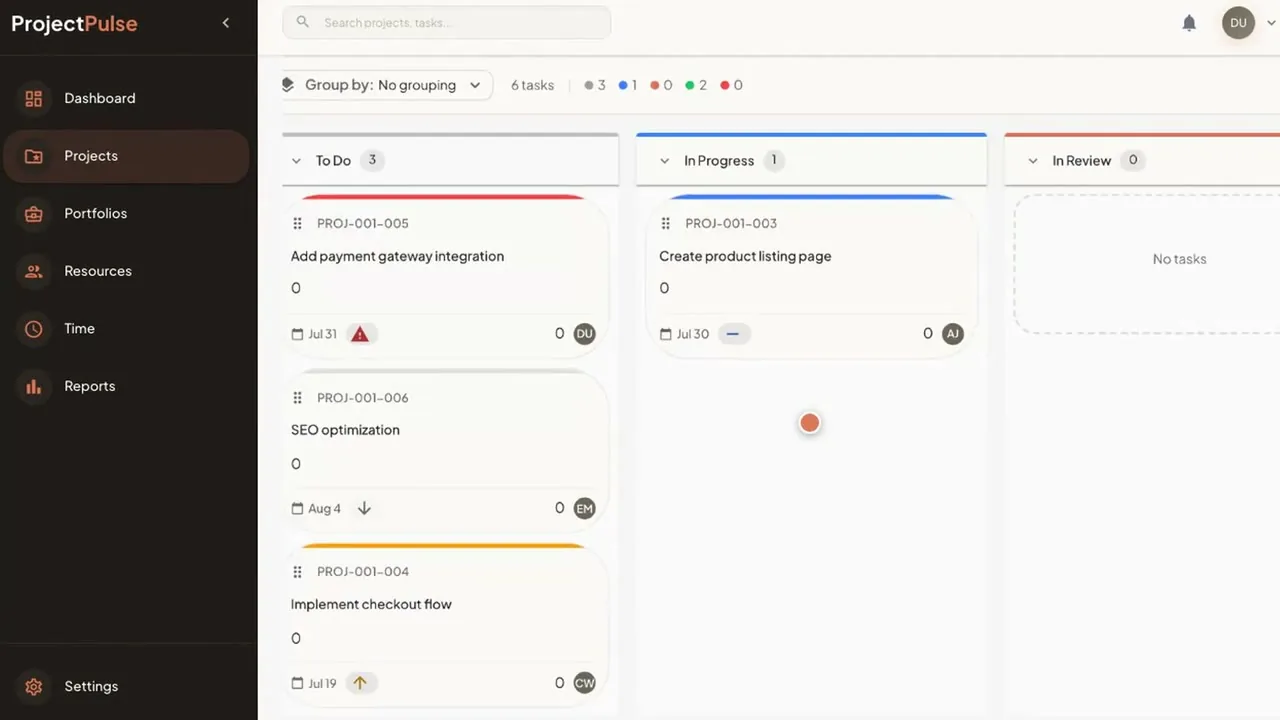
Frame from the demo. Demo data.
4Resources
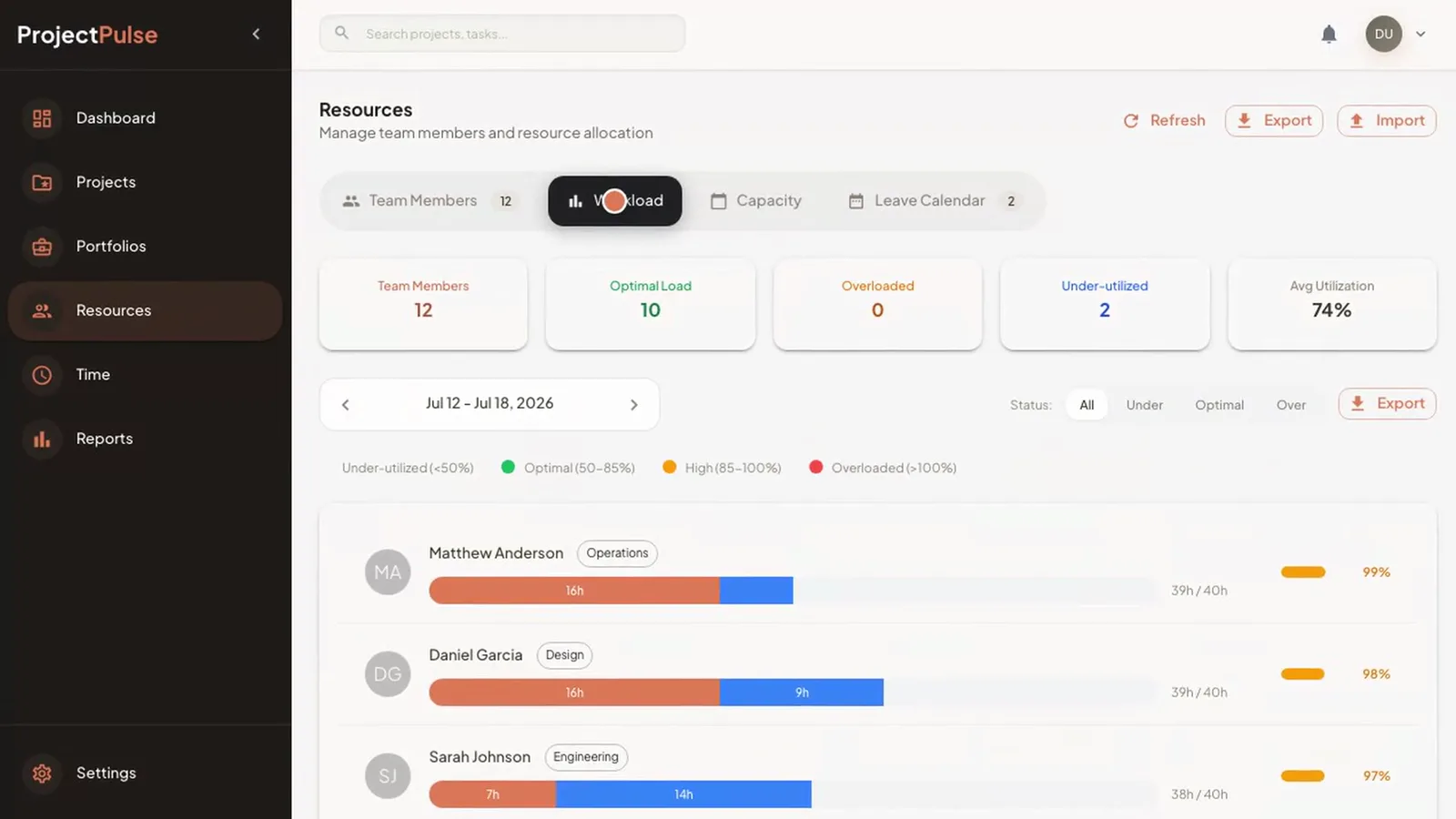
Frame from the demo. Demo data.
5Reports
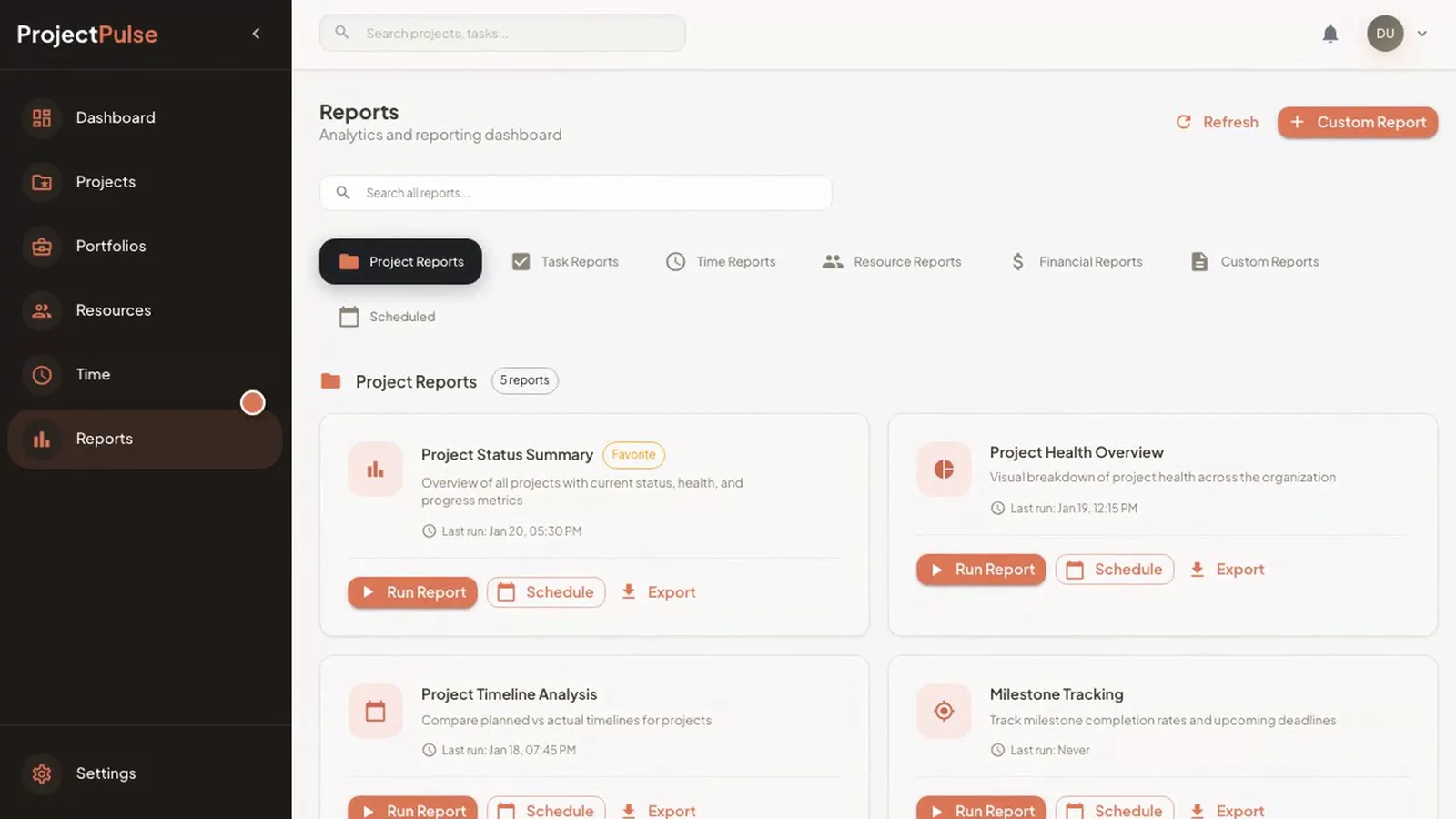
Frame from the demo. Demo data.
Runs perfectly well with AI switched off.
Control who sees and changes what.
Every change is on the record.
Work in SAR, USD or another currency.
Hours logged against tasks and projects.
Track milestones against the plan.
Run it in the cloud (a Saudi cloud provider in KSA, or your own cloud account) or on-premise. On a Saudi cloud provider or your servers in KSA, your data stays in KSA. You bring your own AI key for any AI you switch on.
Project figures can sit beside your books and your questions.
Connections between AI Hub products, and to other systems, are integration work delivered under Custom Development & Integration. They are not built in.
Projects, tasks, time and budgets go in one time. Every view reads from the same record.
Gantt, Kanban, calendar and timeline. The data is the same. Only the view changes.
Budget against actual rolls up from each project to the whole portfolio.
Red, amber and green health shows what needs a decision. Capacity alerts warn of over-allocation.
From setting the strategy to running the work, in one short film.
Demo data
No. Project & Portfolio Management runs perfectly well with AI switched off.
Access is role-based, and an audit trail records every change, so you can see who changed what and when.
Yes. The currency is configurable: SAR, USD and others.
Project & Portfolio Management is linked to ERP Pro and to the Data & Finance Voice Agent. If you run a different ERP, or a connection you need is not available out of the box, Custom Development & Integration covers it.
It runs in the cloud (a Saudi cloud provider in KSA, or your own cloud account) or on-premise. On a Saudi cloud provider or on your servers in KSA, your data stays in KSA.
One-time cost. No monthly subscription and unlimited users, so adding a project manager adds no fee.