
Staff check records instead of typing them.
The fields are already filled in when the record reaches your team, including from handwritten and Arabic documents.
Product fact
Use case
Digital Pro turns invoices, receipts and delivery notes, including handwritten and Arabic ones, into records your team only has to check.
The problem today
Invoices arrive as PDFs, phone photos and paper, in Arabic, English or both. Handwritten delivery notes from site are the slowest of all.
How it works today
How it works
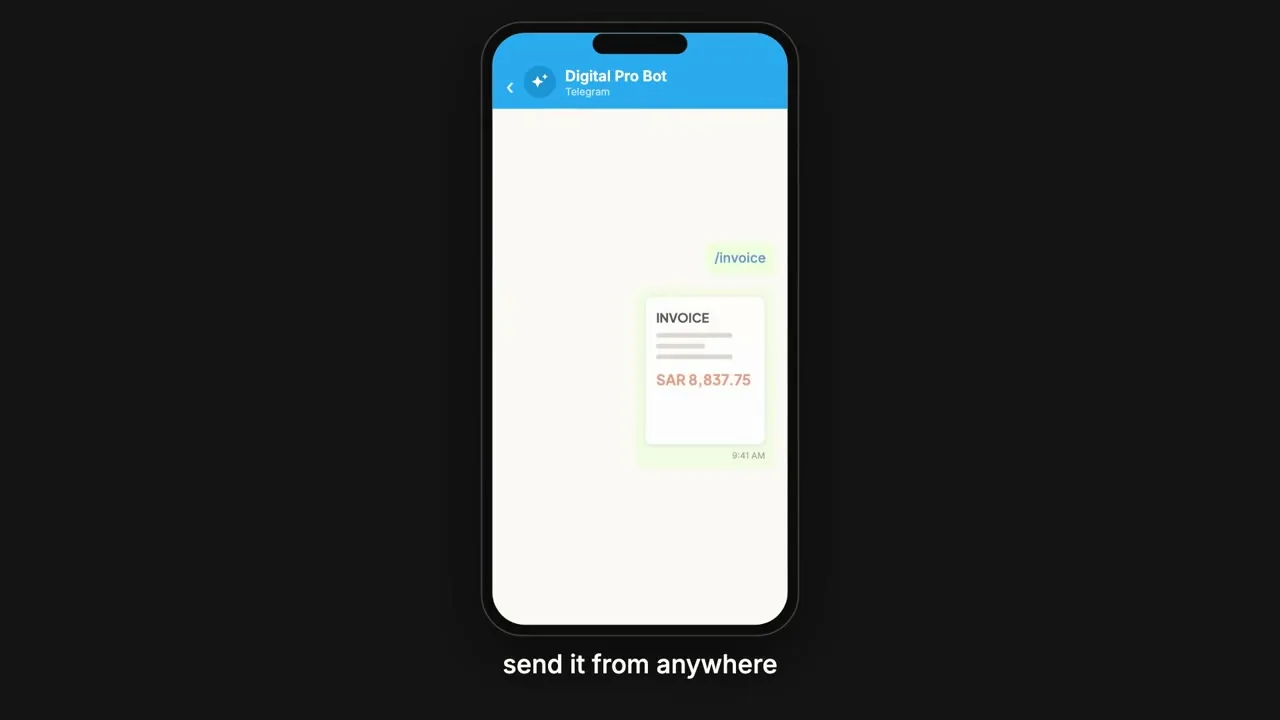
Capture by browser, by camera or by message.
Browser · Camera · MessageA photo from site is enough.
It picks from eleven templates (or one you add) and reads the fields, including handwriting and Arabic.
Eleven templates · Handwriting · ArabicEach document type is read the way it is laid out.
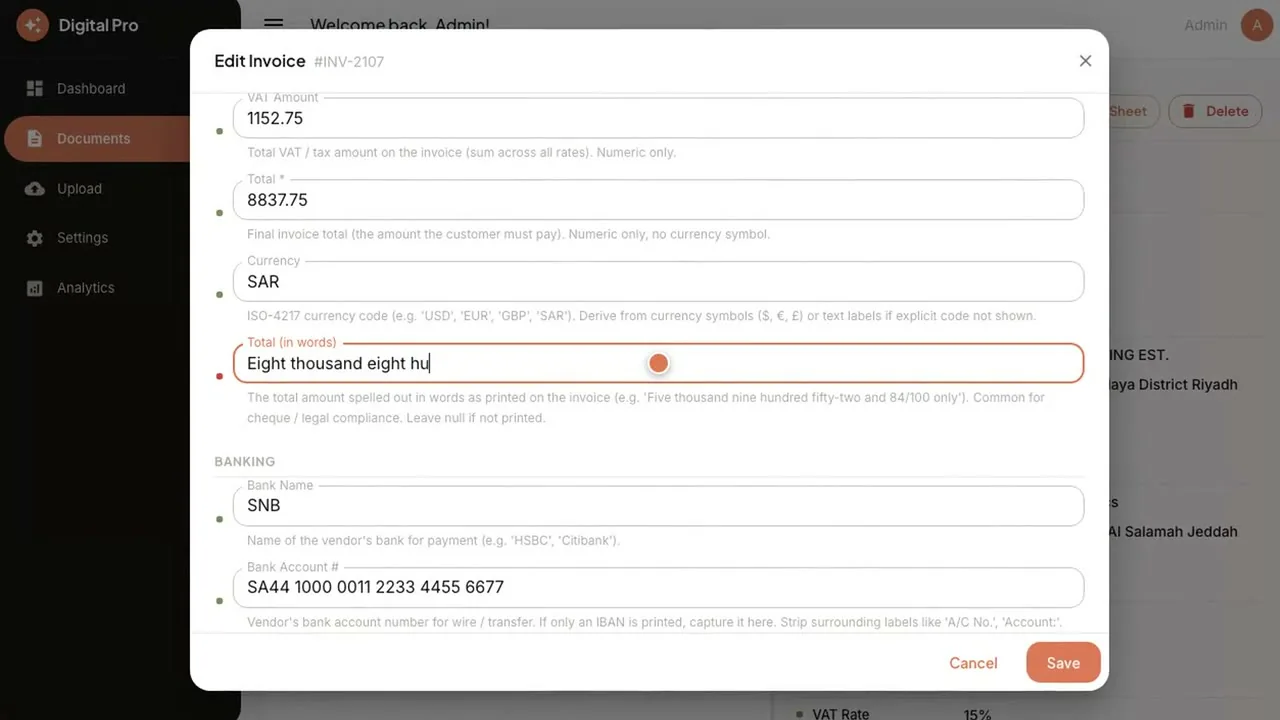
Fields it is not sure of are marked with a confidence mark and sent to a review queue.
Confidence marks · Review queueA doubtful figure is seen, not buried.
Someone on your team checks the record and approves it.
Check · ApproveA person is in front of every uncertain read.
Export to a spreadsheet in one click, or send the records straight into your ERP through an API: ERP Pro, SAP, Odoo or Dynamics 365.
Spreadsheet · ERP APINothing is retyped between the document and the books.
The product, in two screens
Products involved
Runs it
Reads invoices, receipts and handwriting. Your team checks, not retypes.
Connections between products, and to your ERP, are integration work under Custom Development & Integration, through the API.
Sends records into the ERP you run
 SAP
SAP Odoo
Odoo Dynamics 365
What changes
The fields are already filled in when the record reaches your team, including from handwritten and Arabic documents.
Product fact
Confidence marks and a review queue put a person in front of anything uncertain before it reaches the books.
Product fact
25 to 5hours a month
300 invoices a month at five minutes each is 25 hours of typing. The same batch checked at one minute each is five hours.
Illustrative scenario. It is not a customer result, and your invoice volume and checking time will differ.
Illustrative scenario · not a customer result
FAQ
Yes. Digital Pro reads handwritten notes and Arabic documents, as well as English ones.
It marks the field with a confidence mark and sends the record to a review queue, so a person looks at it before it goes any further.
Records go into any ERP through an API, including ERP Pro, SAP, Odoo and Dynamics 365. Where a connection you need is not available out of the box, Custom Development & Integration covers it.
On your server, with your database and your own AI account, on Cloud or on-premise.
One-time cost. No monthly subscription and unlimited users. AI model usage runs on your own account.