For a supplier that bids on Saudi public-sector work, tenders are rarely lost on price alone. They are lost because nobody saw the notice in time, because the booklet ran to many pages of Arabic nobody had time to read, or because the response was built from scratch under a closing date.
A repeatable workflow fixes those three problems. This post lays out a five-step routine for tenders announced on Etimad and Forsah: see every matching tender, read the documents, decide bid or no bid, draft the response, and have your own team submit it. It also shows where Proposal Hub takes on the repetitive work, and ends with a short checklist you can use whether or not you use it.
Why tender work stays ad hoc
Etimad and Forsah are the portals where government and semi-government work is announced. A supplier has to keep checking both. That is the first problem: someone has to remember to look, every day, on both.
The second problem is reading. A tender comes with booklets and attachments, often long and often in Arabic. The person who can read them quickly is usually also the person with another job to do.
The third problem is the response. Past proposals, company descriptions and certificates already exist, but they sit in folders and inboxes. Each new bid starts by hunting for them.
None of these is a hard problem. Each is a habit problem, and habits are fixed with a routine, not with heroics on the week a tender closes.
Step one: write down what "matching" means
A workflow starts with a definition. Before you watch any portal, write down which tenders are worth your time. For example:
- the kinds of work you deliver, and the kinds you do not
- the regions and sites you can serve
- the buyers you want to work with
- the contract size you can carry
Keep it short enough that two people reading it would pick the same tenders. This list is your criteria. Everything after this step depends on it, because a watcher with vague criteria brings back noise, and a team that sees noise stops looking.
Proposal Hub watches Etimad and Forsah continuously against the criteria you set. If you do this by hand, the same list is what the person doing the daily check works from.
Step two: watch both portals and file what matches
Watching is the part that depends most on memory. Check both portals on the same schedule, every working day, and file each matching tender in one place: the notice, the booklet and the attachments together, under a clear name.
The point of one place is that nobody asks "which email was that in?" a week later.
Proposal Hub does this for you. It checks both portals all day against your criteria, then downloads and files the tenders that match in one place, so the day a tender is published is the day you see it. Nothing waits for someone to remember to check.
Step three: read the documents and decide bid or no bid
Now someone has to read. The decision to bid should rest on a short summary, not on a half-read booklet. A good summary answers four things: what is being asked for, what the requirements are, how well you meet them, and what the risks are.
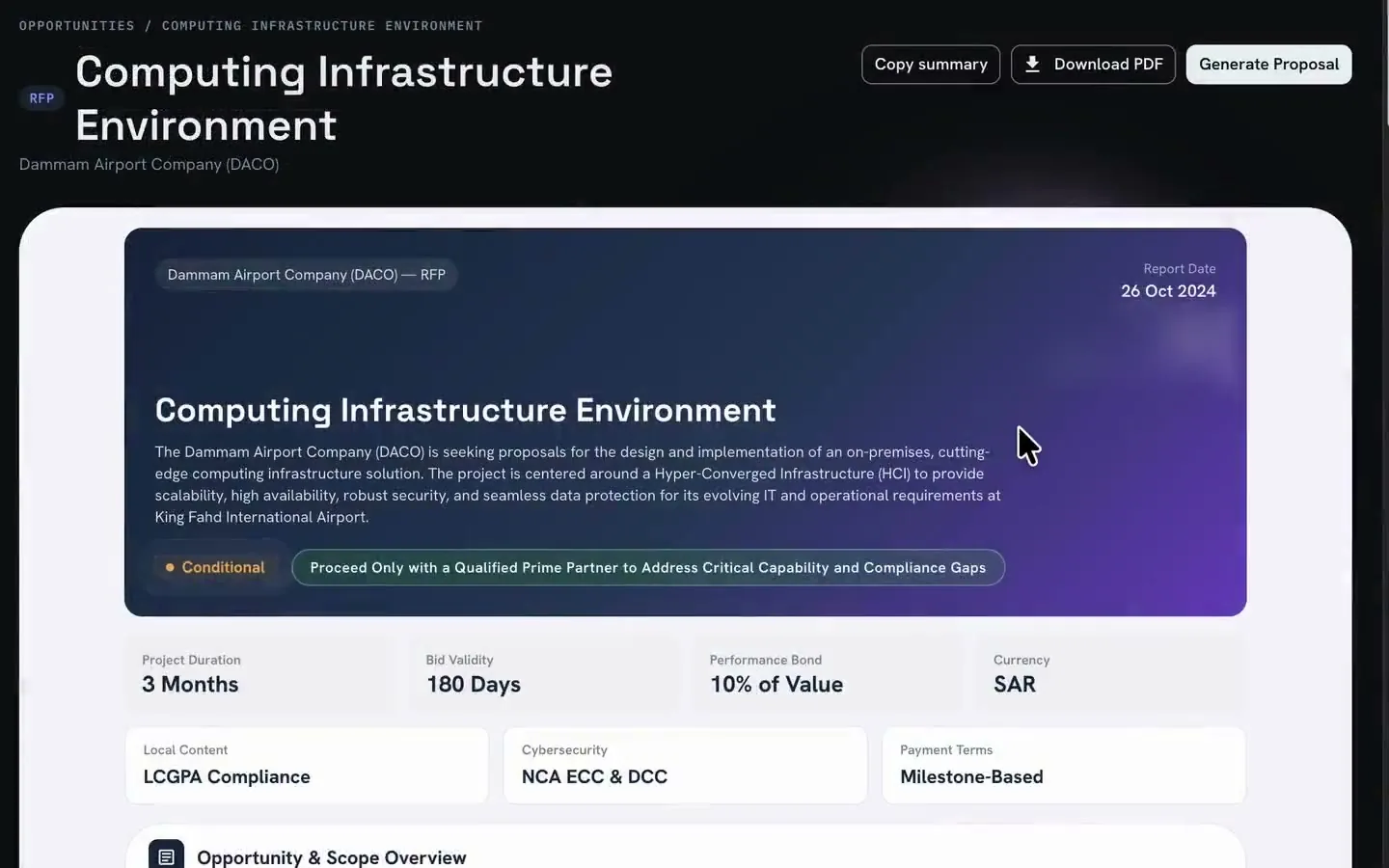
Proposal Hub reads Arabic RFPs natively. It analyses the requirements and scores them against your capability, and it returns an analysis report with a verdict, the risks and a recommendation. Bid or no bid starts from that summary, and your team makes the call.
Step four: draft from your own library
The strongest first draft is your own best past work. Gather the approved proposals, company descriptions and certificates you already have, and treat them as a library that each new response draws from.
A library keeps your answers consistent from one bid to the next. It also means a new response starts as an edit of something good, not as a blank page.
Proposal Hub drafts the proposal from your own approved past responses, in your own words, and translates between Arabic and English both ways where you need it. In the demo, the proposal is drafted section by section and exported as a Word document for your team to review.
Step five: review it, then submit it yourselves
A draft is not a bid. A person on your team reads it, corrects it, checks it against the requirements and approves it.
Then your team submits it on the portal. Proposal Hub prepares the bid. It does not submit for you. That keeps the decision and the responsibility with the people who will deliver the work, and nothing reaches a portal unless your team sends it.
Make it repeatable: a one-page checklist
A workflow is repeatable when it does not depend on who is in the office. Use this list whether you use software or not.
- One owner for the daily check. Name a person and a back-up.
- Written criteria. Review them every quarter.
- One place for every tender file. Same folder structure each time.
- A bid or no-bid note. One short page, kept with the tender, saying why.
- A response library. Approved proposals, descriptions and certificates, with an owner who keeps them current.
- A review step before submission. A named reviewer who is not the drafter.
- A look back after each result. What worked, what to change in the criteria or the library.
If you are the buyer
This post is written for suppliers. If you run tenders rather than answer them, the other side of the table has its own workflow: vendor registration, sealed bids, evaluation and award. Procurement Pro is the buyer-side agent for that.
Keep it yours
Tender files and past proposals are commercially sensitive. Proposal Hub deploys in one of two ways: Cloud, on a Saudi cloud provider in KSA or in your own cloud account, or On-premise, on your own servers. You bring your own AI model or key and can change it later. It is a one-time cost with no monthly subscription and unlimited users.
The simplest way to start is the checklist. Write the criteria, name the owner and run the routine for one month.