
Priority follows the contract, not the loudest caller.
Each ticket carries its customer's AMC, SLA or PO targets, so the order of work follows what you promised.
Product fact
Use case
ServiceDeskPro counts response and resolution targets down live and flags the ticket that is about to breach.
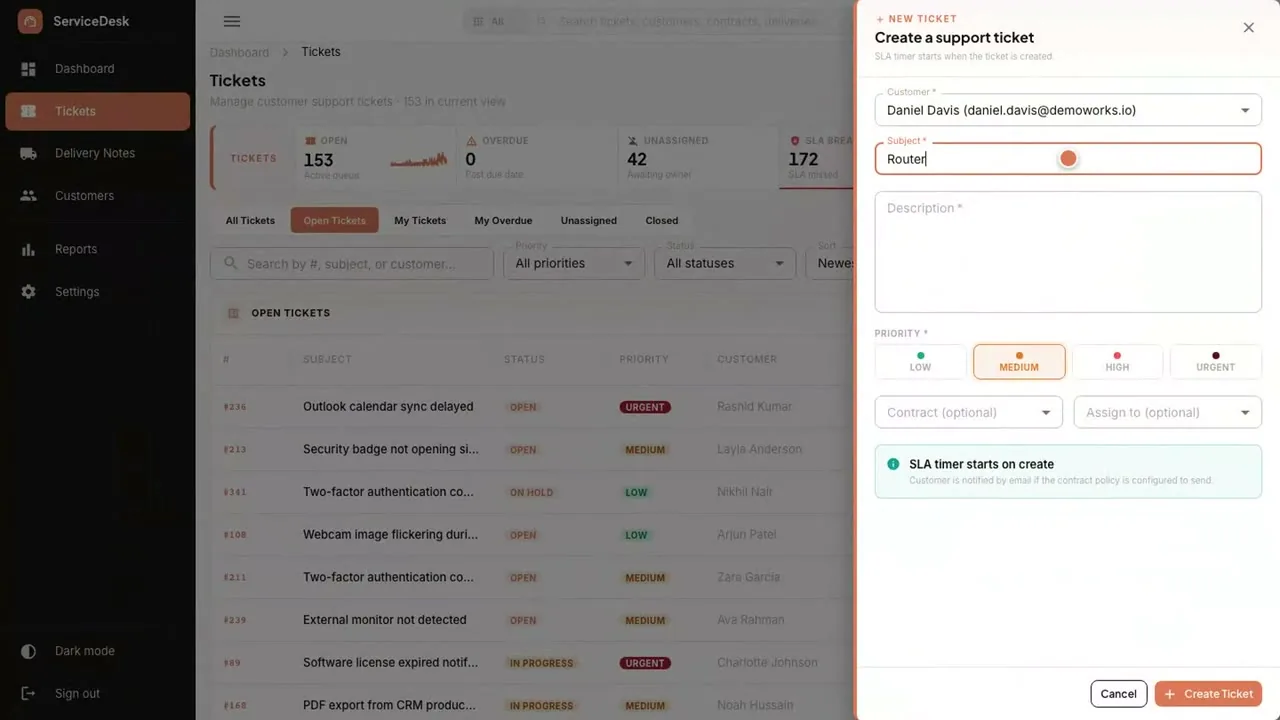
The problem today
Managed-service firms sell annual maintenance contracts (AMC) and SLA agreements, often tied to a customer purchase order. Tickets arrive by email, and nobody knows which customer has which response target until someone opens the contract.
How it works today
How it works
Email to your support mailbox creates a ticket automatically.
Email to ticketNothing waits in an inbox.
The ticket is matched to the customer's AMC, SLA or PO contract and takes that contract's response and resolution targets.
AMC · SLA · POPriority follows the contract.
Response and resolution time count down on the ticket, and a breach alert fires before the deadline.
Response · ResolutionThe alert comes before the breach, not after.
Admin, manager, agent and viewer roles control access to tickets and settings.
Admin · Manager · Agent · ViewerEach person sees what their job needs.
Reports show ticket volume, SLA performance and agent workload.
Volume · SLA · WorkloadRenewals start from the ticket history.
The product
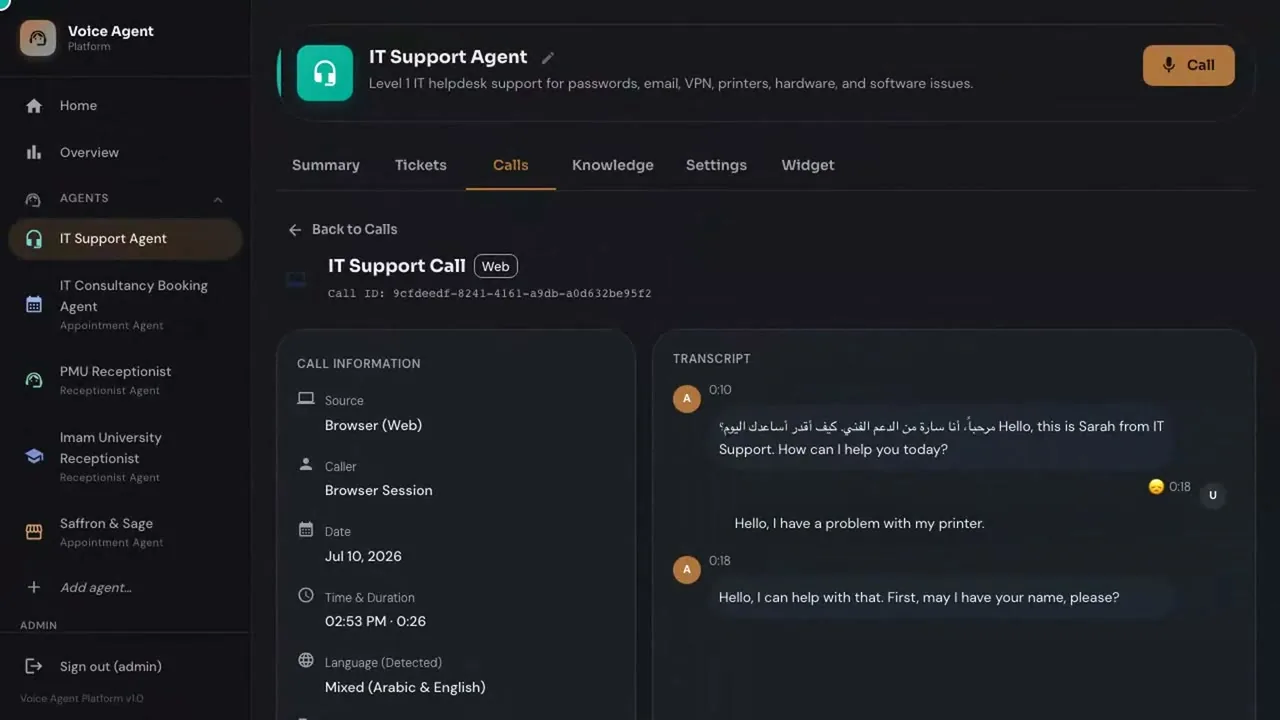
Products involved
Pairs with
It answers your business line around the clock. It books, resolves or takes a message, then hands your team the record.
Replace a costly per-agent ticketing subscription. Tickets, SLAs and delivery proof in one desk, with no monthly subscription and unlimited users. Where a connection you need is not available out of the box, Custom Development & Integration builds it.
What changes
Each ticket carries its customer's AMC, SLA or PO targets, so the order of work follows what you promised.
Product fact
Live countdowns and breach alerts put the ticket about to miss its target in front of the manager before the deadline.
Product fact
Contract-linked reporting shows what was delivered against what was promised.
Product fact
Questions
It is matched to the customer's AMC, SLA or PO contract and takes that contract's response and resolution targets.
No. Email to your support mailbox creates the ticket. A web form, a chat widget and phone can be added alongside.
Access is role-based: admin, manager, agent and viewer.
On a Saudi cloud provider in KSA, in your own cloud account, or on-premise. On your own server, the data stays with you.
One-time cost. No monthly subscription, no per-agent fees and unlimited users, so adding an agent adds no fee.